



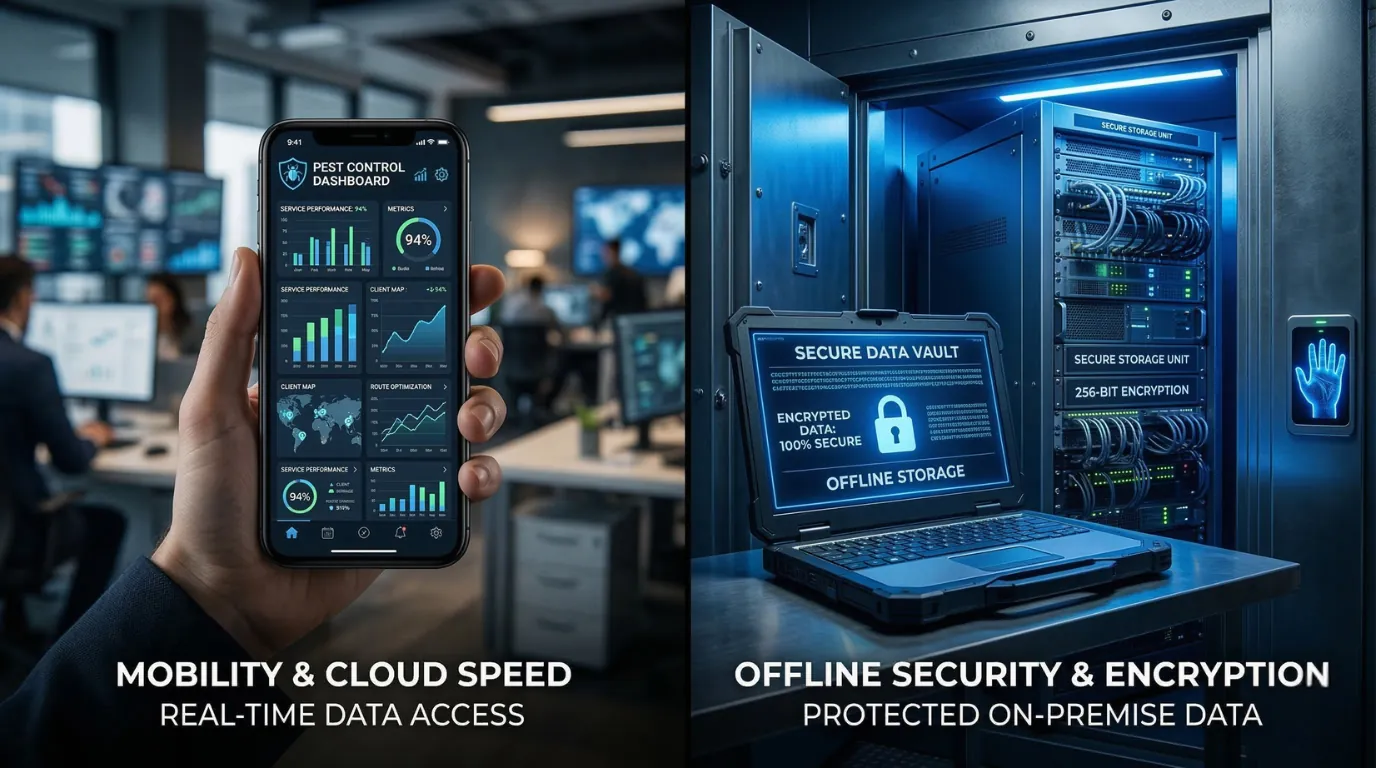
Field speed and audit-ready, secure data handling aren’t competing priorities — they’re two steps in one well-designed workflow. IPMFlow Desktop is your locally stored, SQLCipher-encrypted data hub, and its companion on-site PWA puts fast, browser-based risk capture directly in your technicians’ hands — without a single record ever leaving the infrastructure you control.
In modern pest management, software needs vary wildly depending on the environment: field assessments call for speed and mobility, while the analysis and documentation that follow demand strict data control, local storage, and audit-supportive documentation.
There’s no need to choose. IPMFlow Desktop and its companion on-site PWA aren’t two separate products — they’re two complementary roles within a single ecosystem: Desktop is the secure system of record and analysis hub, and the on-site PWA is its natural field arm. In this guide, we’ll show you how the two work together — and why you never have to trade speed for security.
The On-Site PWA: Fast, Browser-Based Risk Capture in the Field
If your priority is fast, on-site data entry, the on-site PWA is the natural fit. Built as a lightweight, browser-based application (Android Chrome, or iOS Safari added to the home screen), it lets technicians record risk-assessment data directly from their phone or tablet — no installation, no account required.
Key strengths of the on-site PWA:
- No install, no account: Simply open it in your browser — and add it to your home screen if you like — and start your risk assessment right away, with no separate sign-up.
- On-device encrypted storage: Captured data stays exclusively on the device, in an AES-GCM encrypted vault; the vault must be created and unlocked before recording begins.
- User-controlled, encrypted package exchange: Data moves between Desktop and phone exclusively through a single encrypted file (.ipmflowpkg) — no server, no cloud, and no automatic background sync in either direction.
- Secure, item-by-item review in Desktop: Incoming data is shown in Desktop as a line-by-line preview; nothing is auto-created, no template gets overwritten, and risk levels are always recalculated server-side on your own machine.
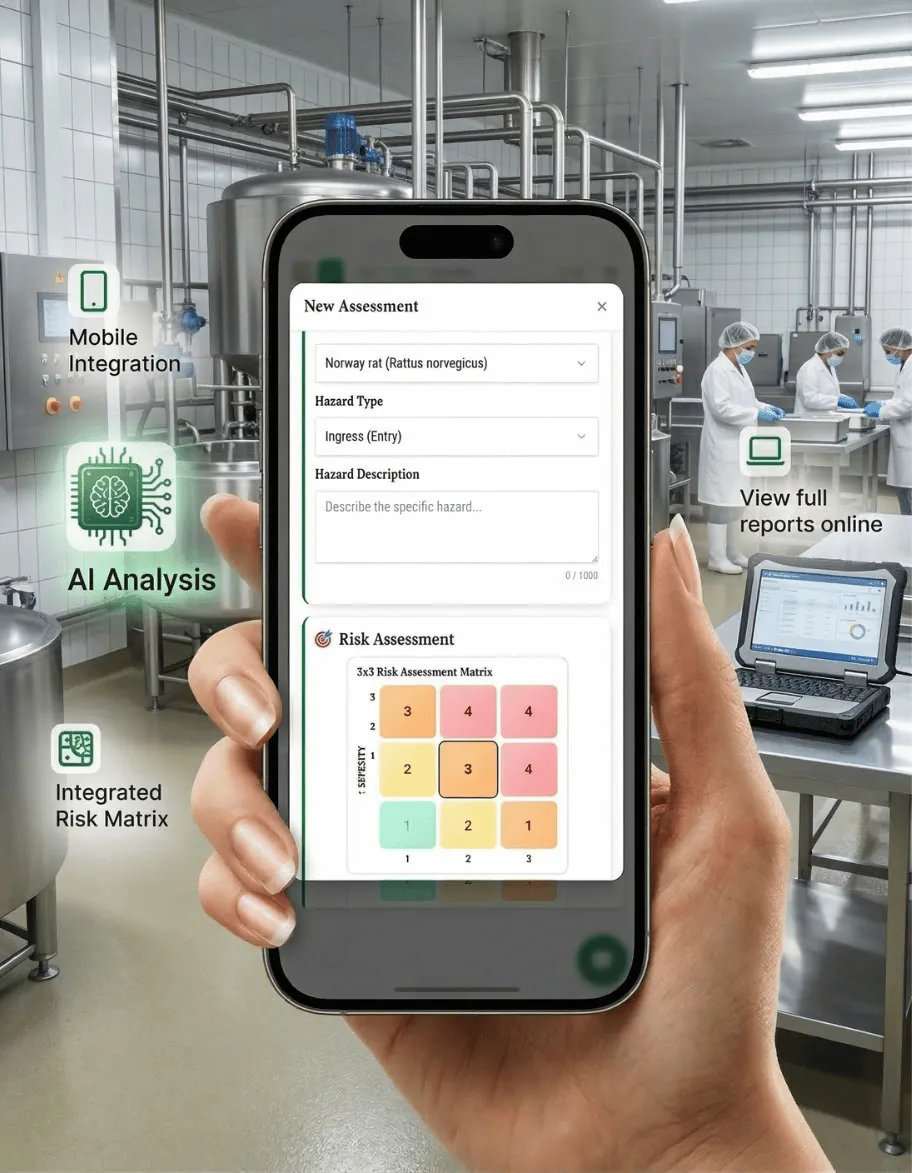
The on-site PWA is included with every IPMFlow Desktop license — no separate registration, account, or subscription. Pairing — and, if needed, revoking a lost or replaced device — is also handled directly from Desktop, so you stay in control at every step.
Field data capture, right from your phone
The on-site PWA — included with every IPMFlow Desktop license — lets your team record pest control data in the field from any browser. On-device encryption, no cloud, no separate sign-up.
IPMFlow Desktop: The High-Security, Audit-Supportive Data Sanctuary
For enterprise environments, food manufacturing facilities, or pharmaceutical sites, cloud storage can often be a liability rather than an advantage. When your standard operating procedures dictate that sensitive data must remain on-premises, IPMFlow Desktop is the professional answer — and the secure hub of the ecosystem that on-site PWA data flows back into.
IPMFlow Desktop is an installed Windows application, built from the ground up to operate flawlessly in fully offline, air-gapped environments — whether on its own or paired with the on-site PWA.
Why QA managers and CISOs prefer the Desktop version:
- Local, Encrypted Storage: Your data never leaves your machine. The local SQLite database is protected with SQLCipher AES-256 encryption, minimizing data leak risks associated with cloud transmission.
- Offline Pest Control Audit Software: Native PDF generation happens entirely on your local hardware, without relying on external libraries or network connections.
- Local AI Integration: AI trend analysis can be run entirely locally using Ollama. This means you get intelligent insights on pest data free of external transaction costs, and most importantly, your sensitive facility data remains under your local control.
- Bring Your Own Key (BYOK): If you prefer to use cloud AI models, you can integrate your own API keys. The application communicates directly with the provider, bypassing any middleman servers.
- Audit-Supportive Logs: Every user action is recorded in a robust Activity Log, which can be easily exported to CSV or JSON formats. This transparency is specifically designed to align with IFS, BRCGS, and GMP audit expectations.
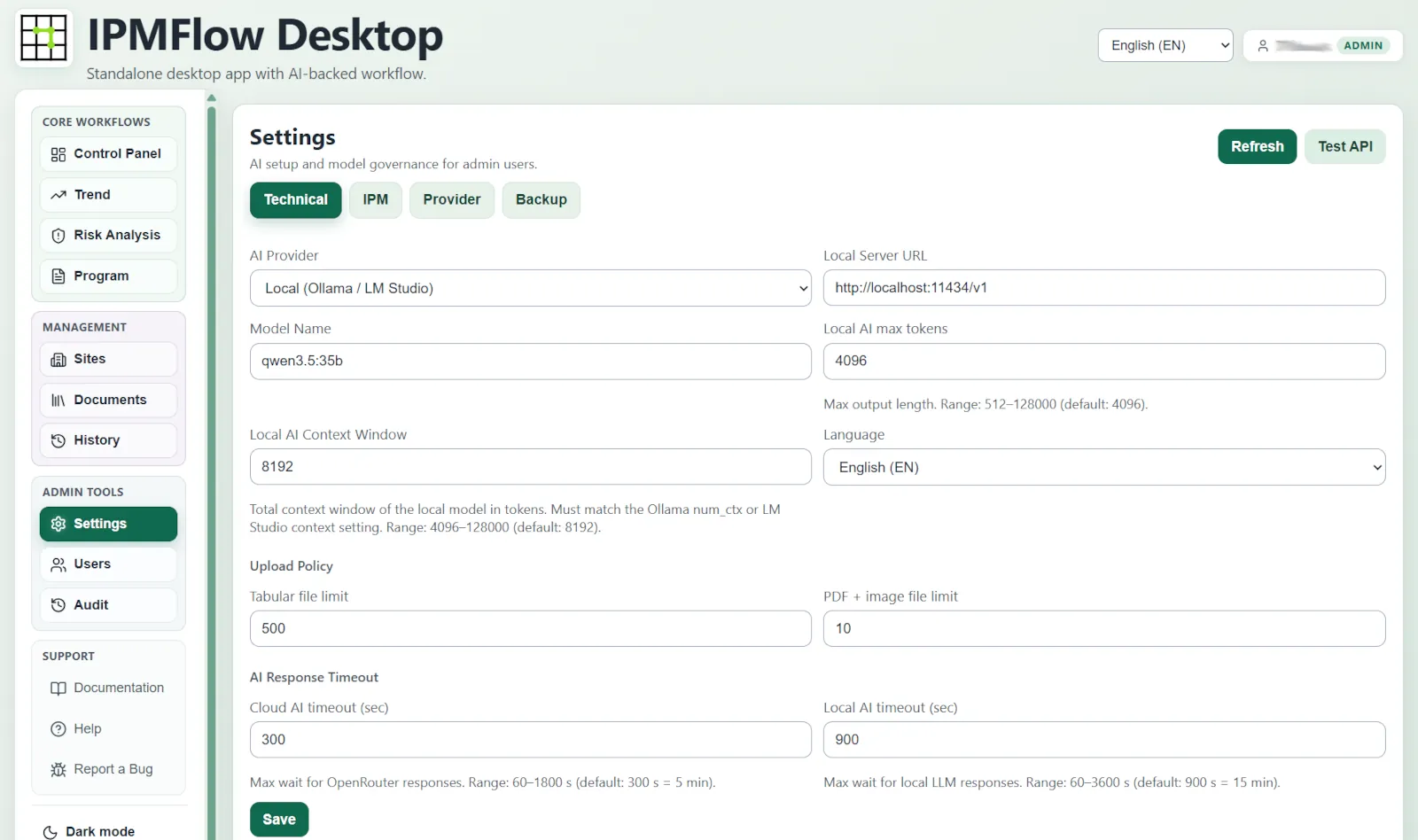
IPMFlow Desktop is available for a one-time, perpetual license fee of $300 per company — including the on-site PWA. There are no mandatory monthly subscriptions, and control over updates remains entirely with your IT department.
Audit-ready pest control – right on your own PC
Generate IFS, BRCGS, and HACCP compliant trend analyses with IPMFlow Desktop. Local data storage, full network isolation (air-gap) and free AI models.
How Does Field Data Make Its Way Back Into Desktop, Securely?
The strength of the IPMFlow ecosystem lies in keeping you in control of your data — even while it moves between a phone and a computer.
The workflow is simple and entirely user-driven. Desktop sends a work package — the selected site plus its risk template — to the paired device. In the field, the technician records the risk assessment in the on-site PWA, even without an internet connection, then creates an encrypted package (.ipmflowpkg) with a single “Export to desktop app” action.
That package — and only that package — comes back to Desktop: there’s no automatic background sync, no cloud intermediary. Desktop then shows the incoming data as a line-by-line preview — you decide what gets imported. The software never auto-creates a site, never overwrites a template, and always recalculates risk levels server-side, on your own machine.
This architecture means your field team gets the convenience of fast, mobile data capture, while IPMFlow Desktop guarantees that every record — from the initial assessment to the final, audit-ready report — stays within your infrastructure, encrypted and verifiable.
Compliance Note: IPMFlow provides audit-supportive features (e.g., structured reports, logging, export). The actual compliance depends on the deployment environment, organizational processes, and validation by the expert; for unique requirements, site-specific consultation is recommended.
Frequently Asked Questions (FAQ)
Is the IPMFlow Desktop software fully functional without an internet connection?
Yes. IPMFlow Desktop was specifically designed to remain fully functional in a 100% offline, air-gapped network environment. Features such as instant PDF report generation and activity-log recording happen entirely on your own device, with no reliance on external cloud servers — which makes it especially valuable for high-security food and pharmaceutical quality assurance.
How does risk-capture data recorded with the on-site PWA make its way into IPMFlow Desktop?
In a single step that you control. The technician records the risk assessment in the field using the PWA, then creates an encrypted package (.ipmflowpkg) with the “Export to desktop app” action. That file — and only that file — comes back into Desktop, where you review and approve the incoming data line by line in a preview; the system never auto-creates a site, and risk levels are always recalculated server-side, on your own machine. There’s no cloud intermediary or automatic background sync involved — and because the PWA is included with every Desktop license, there’s no separate account or subscription to manage.
Does IPMFlow use my pest control or client data to train AI models?
Absolutely not. We treat data privacy with the utmost seriousness. In IPMFlow Desktop, you can run dedicated local language models (LLMs) via Ollama integration, meaning your data never leaves your network perimeter. If you’d still like to connect to an online API model (e.g., Anthropic Claude), our Bring-Your-Own-Key architecture never withholds any data flow — you contract directly with your chosen provider, on your own terms. The on-site PWA, by contrast, is a deliberately simple, AI-free data-capture tool: it contains no artificial intelligence and no cloud processing — it exists solely to securely record and encrypt risk-assessment data for transfer.
